Orange gradient with a downward-pointing chevron shape in the center.

Illumio Product Tours: 
See Breach Containment in Action

Illumio product tours are self-guided, interactive demos so you can see our products at your convenience. In a few minutes, you can click through the product to see how Illumio Segmentation ring-fences critical applications and stops ransomware from spreading, and how Illumio Insights and its AI-powered Insights Agent expose risky traffic, quarantine threats, and show your network security posture in real time.
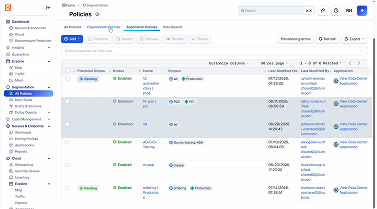
Screenshot of a Security Orchestration Policies management interface showing a list of policies with columns for status, name, groups, class, and last modification details, with options to add, clone, remove, and export policies.
Segmentation

How to Build a Ransomware Containment Policy in Illumio

See how to build an Illumio policy that locks down risky ports and stops ransomware from spreading between workloads.
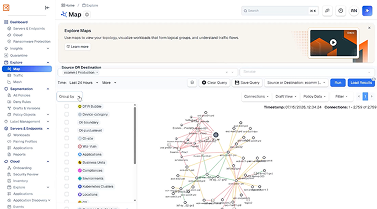
User interface of a network monitoring tool showing a Map tab with a visual network topology graph displaying nodes and connections based on source and destination data over the last 24 hours. The left sidebar shows navigation options including Dashboard, Cloud, and Logs. Filters and options for querying and loading network data are visible above the graph.
Segmentation

How to Ring-Fence a Critical Application with Illumio

See how Illumio helps security teams quickly create protective boundaries around their most important applications and systems.
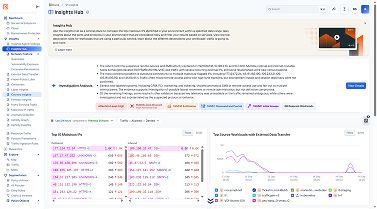
Dashboard interface of Insights Hub displaying navigation menu, investigation roadmap, IP addresses with risk levels, and a line chart showing top source networks with external data transfers.
Insights

Explore the power of Illumio's Insights Hub

See how Illumio Insights gives you instant visibility into global traffic and helps you spot suspicious patterns.
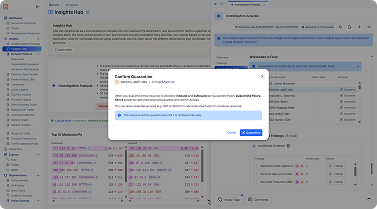
Screenshot of Insights Hub software interface showing investigation features, a confirmation popup titled 'Confirm Quarantine' prompting to quarantine suspicious files with options to Cancel or Confirm, and data tables listing threats with their status and quarantine options.
Insights

Illumio Insights Agent: Stop Threats Before They Spread

See how Illumio's Insights Agent spots risky workload behavior and instantly quarantines threats without disruption.
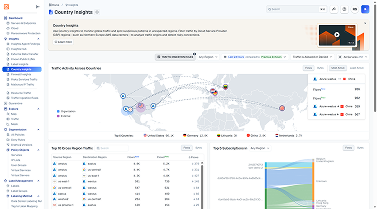
Dashboard interface titled 'Country Insights' showing network activity across countries with a world map highlighting data flows between regions, flags marking countries, and data statistics such as top cross-region traffic and metrics for inbound, outbound, and top talkers. The left sidebar lists menu items like Dashboard, Network Insights, Workloads, and Country Insights with Country Insights highlighted.
Segmentation

How to Secure Your Critical Workloads In Minutes

Discover how Illumio makes it easy to build zero trust policies that block threats and protect high-risk workloads.
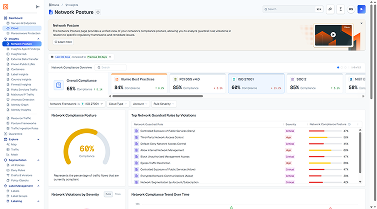
Network security posture dashboard showing overall compliance at 68% and best practice compliance at 60%. The dashboard includes scores for PCI DSS, CIS Level 1, and NIST benchmarks, with trends indicating low risk except for PCI DSS at 4.62. Visuals include a circular compliance chart, a list of top network checklist items with severity levels, and a timeline graph of compliance trend over time.
Insights

See Your Network Security Posture in Real-time

See where lateral movement, risky traffic, AI attacks, and compliance gaps exist today, and what to segment first.

Schedule a custom demo